
# Orders or Line Items on Hold Cannot Be Shipped in RoverERP
Read Time: 1 minute(s)
# Problem Statement
Orders or line items that are on hold cannot be shipped in RoverERP.
# Symptoms
- Attempting to ship orders or line items that are on hold is not allowed
- Users need to identify which orders or line items are currently on hold
# Cause
In the standard RoverERP product, any order or line item placed on hold is restricted from being shipped.
# Resolution Steps
List Orders on Hold
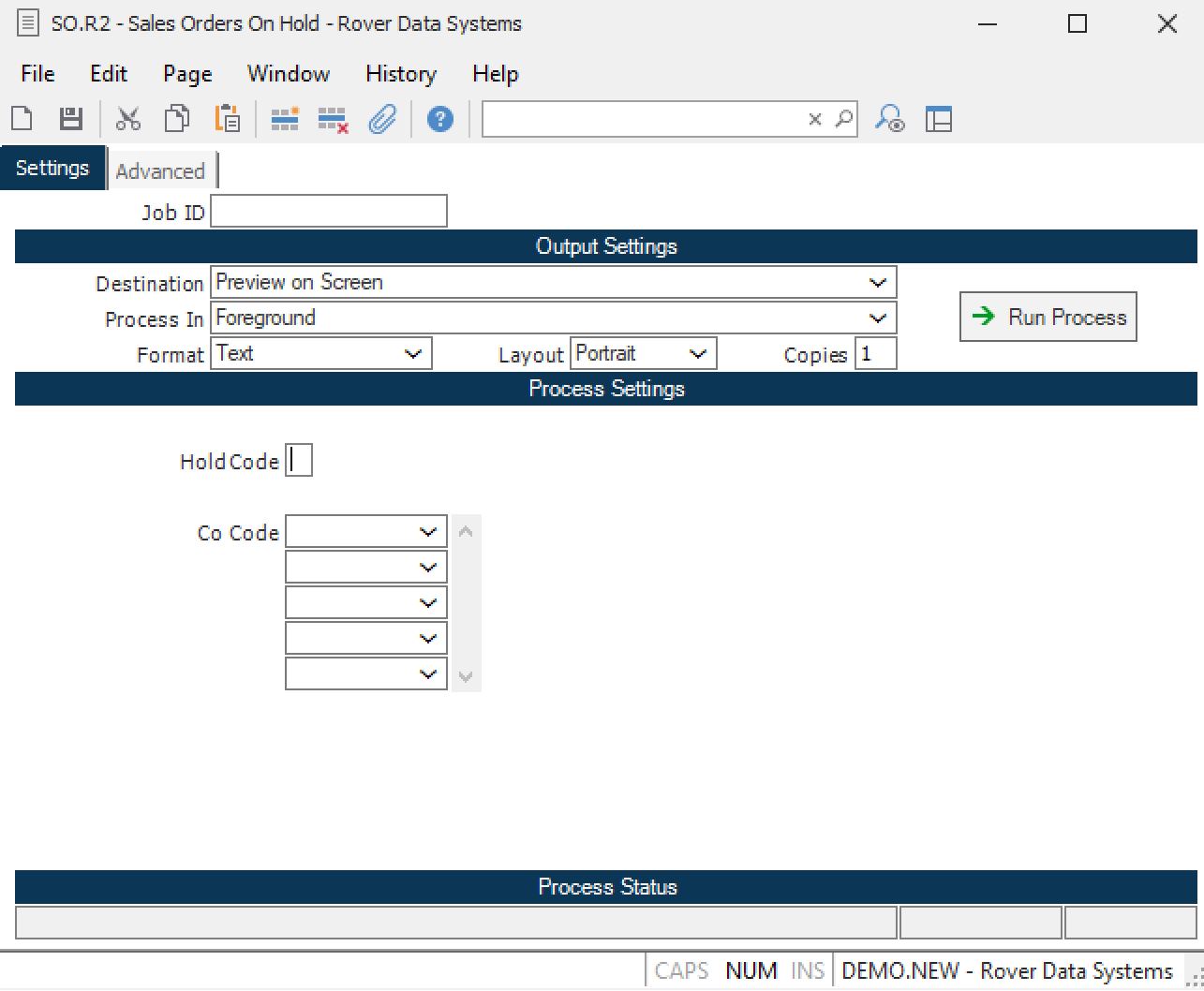
Run the SO.R2 report. If you leave the hold code field blank, the report will list all orders currently on hold.
Review and Release Holds as Needed
Review the report to identify orders or line items on hold. Release the hold as appropriate to allow shipping.
# Verification
- [ ] Confirm that only orders or line items not on hold can be shipped
- [ ] Verify that the SO.R2 report accurately lists all orders on hold
# Note
- Orders or line items must be released from hold status before they can be shipped
# Additional Information
- For further assistance, contact RoverERP support