
# ACH Payments
Read Time: 1 minute(s)
# Step 1 - Setup
- Open VENDOR.E.
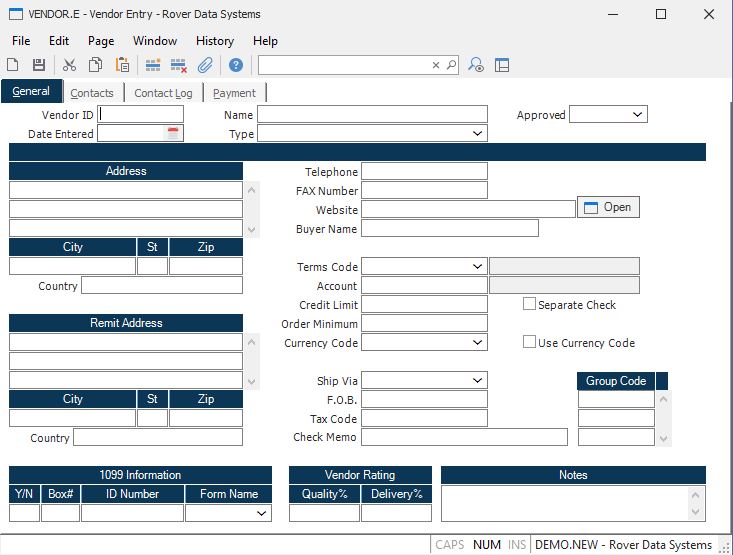
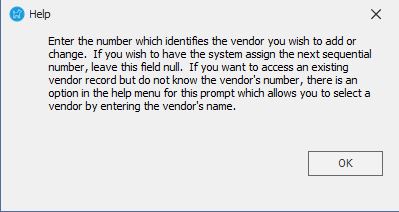
Review PAY USING ACH field help.
- Open AP.CONTROL.
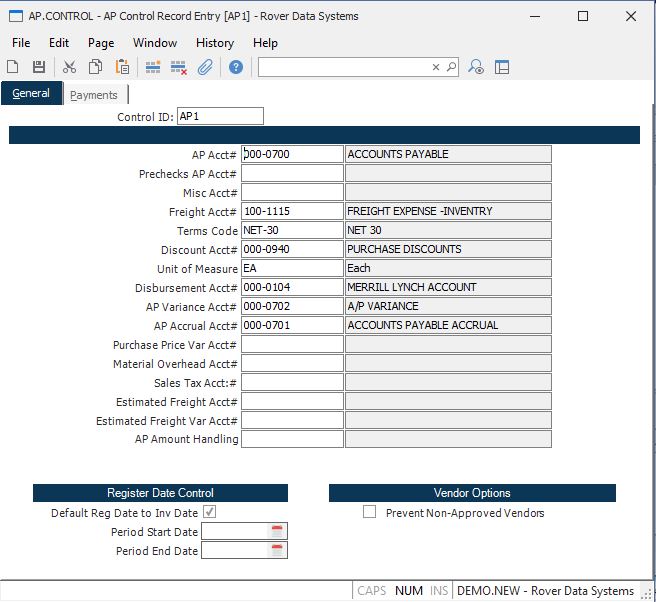
Note: Your bank may require changes to the ACH file format before transmission.
# Step 2 - Create Check Run for ACH Payments
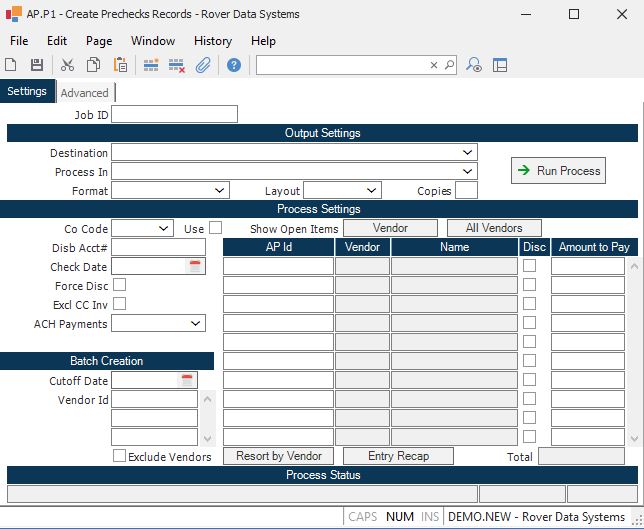
- Enter the check run in AP.P1.
- Create the ACH payment file.
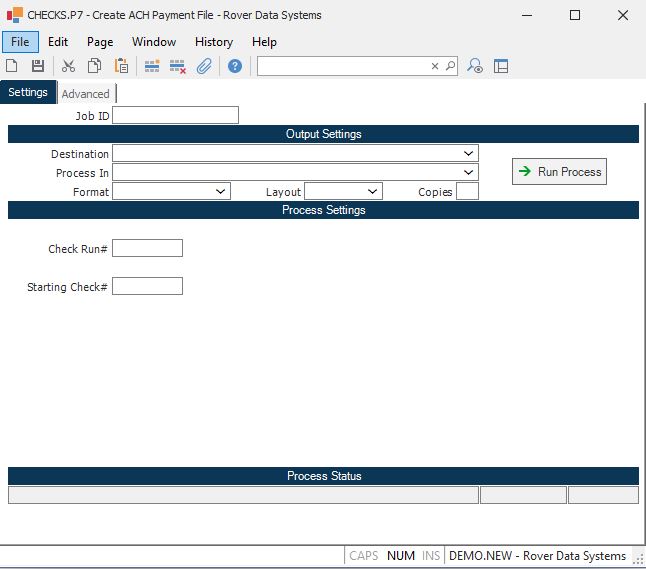
Review procedure help for CHECK.P7.
Post the check run in CHECKS.P1.
Transmit the ACH file in CHECKS.P8.
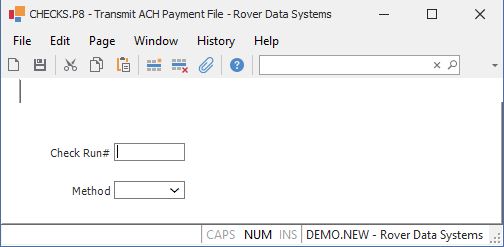
Review procedure help for CHECKS.P8.

If the transmission method is set to "automated", M3 services must be running on the server, and the first three fields in the "automated transmission settings" section of AP.CONTROL must be populated.
The commands referenced in this document are part of the Accounts Payable module.